

Choosing the best website builder for small business is a critical first step towards establishing a professional online presence. Your website is the digital storefront for your brand, whether you're a local Aussie business needing SEO and hosting, an eCommerce retailer looking to grow, or a founder launching a new product. The right platform can streamline everything from design and marketing to sales and customer management, saving you valuable time and resources.
This guide cuts through the noise to provide a comprehensive breakdown of the top website builders available today. We move beyond surface-level reviews to offer a practical analysis of each platform, including Shopify, Wix, Squarespace, and even specialised options like Webflow and Canva Websites. For each option, we provide an honest assessment of its strengths, limitations, pricing, and ideal use case, complete with screenshots and direct links to help you make an informed decision.
We'll analyse features, ease of use, and overall value to match your specific business needs. Many of these platforms utilise intuitive interfaces, but the core technology can differ significantly. To gain a broader understanding of accessible website creation tools, delve into the 12 Best Drag and Drop Website Builders for 2025. Let's find the perfect foundation for your business's digital growth.
1. Shopify
Shopify stands out as the best website builder for small business owners focused on e-commerce, offering a powerful, all-in-one platform designed for growth. It handles everything from website hosting and domain names to secure payments and inventory management, making it incredibly accessible for beginners. The streamlined theme setup and built-in checkout system mean you can launch a professional-looking online store quickly.

For Australian retailers, Shopify offers localised AU dollar pricing, localised card rates via Shopify Payments, and integrations with local shipping carriers. This focus on the local market simplifies operations significantly. As your business grows, you can leverage its extensive app marketplace to add advanced functionalities, from sophisticated marketing automation to specialised analytics. This scalability is a key reason it’s favoured by both new start-ups and established enterprises. To see how it compares to other platforms specifically for online stores, you can explore this detailed analysis of e-commerce website builders.
Best For: Retail businesses of all sizes, from start-ups to large enterprises needing a scalable, robust e-commerce solution with integrated POS and multi-channel selling capabilities.
Key Features & Considerations
- Integrated Sales Channels: Sell online, on social media, and in-person with synchronised inventory using Shopify POS.
- Shopify Payments: Avoids third-party transaction fees and offers competitive, localised Australian card rates.
- App Marketplace: An extensive library of over 8,000 apps allows for nearly endless customisation and feature extension.
- Support & Uptime: Provides 24/7 customer support and boasts industry-leading reliability, ensuring your store is always online.
| Pros | Cons |
|---|---|
| Scales exceptionally well from start-up to enterprise | Transaction fees apply if not using Shopify Payments |
| Robust, secure payment and fulfilment features | Reliance on paid apps for many advanced features |
| Excellent reliability and server uptime | Support response times can occasionally be slow |
Website: https://www.shopify.com/au
2. Square Online (Weebly)
Square Online emerges as the best website builder for small business owners already embedded in the Square ecosystem. It offers the fastest path for hospitality, service, and retail businesses to expand online by seamlessly syncing with Square’s Point of Sale (POS) system. This integration means your inventory, orders, and customer data are unified across both in-person and online channels, eliminating significant administrative work.
For Australian businesses, Square Online provides a compelling starting point with a free plan that lets you launch a store using local transaction rates. Its primary strength lies in its simplicity; you can build a functional online store or booking site in a matter of hours. As your needs grow, paid tiers unlock custom domains, remove Square branding, and offer more advanced features. The platform also natively integrates with popular payment options like Afterpay and Square Pay, making it a highly practical choice for local businesses wanting to start selling online quickly and efficiently.
Best For: Cafes, service-based businesses, and local retailers who already use Square POS and need a fast, simple way to start selling or taking bookings online.
Key Features & Considerations
- Deep POS Sync: Automatically syncs items, inventory, orders, and customer data between your online store and Square POS.
- Free Starter Plan: Launch a functional e-commerce site with no monthly fees, paying only standard AU transaction rates.
- Integrated Bookings: Ideal for service businesses, allowing clients to book appointments directly through the website.
- Local Payment Integrations: Supports Afterpay and other local payment methods, catering directly to Australian consumer preferences.
| Pros | Cons |
|---|---|
| Easiest path to online sales for existing Square POS users | Design flexibility is more limited than other builders |
| Extremely fast and simple to set up and publish | A paid plan is required to use a custom domain name |
| Published AU fees and localised payment support | Fewer advanced e-commerce features than Shopify |
Website: https://squareup.com/au/en/online-store
3. Wix
Wix is celebrated as a highly versatile and feature-rich website builder, making it an excellent choice for small businesses that want extensive functionality without relying on plugins. Its intuitive drag-and-drop editor and vast library of professionally designed templates allow service-based businesses, creatives, and hospitality venues to launch a visually stunning website with ease. The platform’s AI-powered setup can even generate a customised site in minutes based on your answers to a few simple questions.
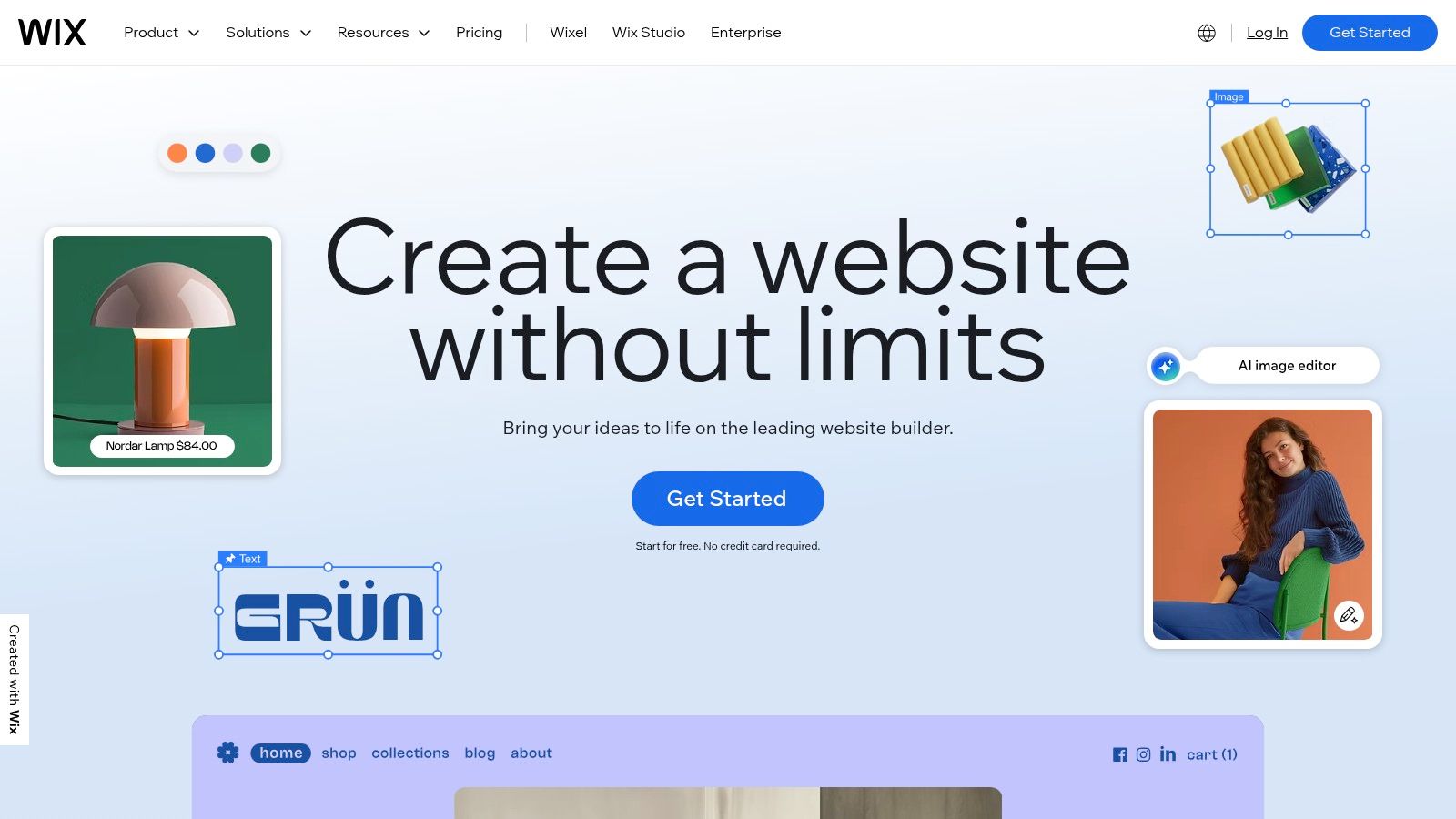
Unlike more minimalist builders, Wix packs in a suite of powerful, integrated tools for bookings, memberships, events, and e-commerce directly into its ecosystem. This all-in-one approach simplifies management for business owners who want to handle everything from one dashboard. Furthermore, its built-in SEO tools provide a solid foundation for visibility, which can be enhanced with expert strategies like those offered for local SEO on the Sunshine Coast. This makes it a strong contender for the best website builder for small business owners prioritising creative control and built-in features.
Best For: Service-based businesses, artists, restaurants, and entrepreneurs who need a visually rich website with integrated tools for bookings, events, and memberships.
Key Features & Considerations
- Drag-and-Drop Editor: Offers immense creative freedom to customise every element on your page without coding.
- Wix App Market: Access hundreds of apps to add specialised features like online forums, advanced forms, and loyalty programs.
- Integrated Business Solutions: Built-in tools for scheduling (Wix Bookings), selling tickets (Wix Events), and managing communities.
- AI-Powered Design: Wix ADI (Artificial Design Intelligence) can create a unique website for you in minutes.
| Pros | Cons |
|---|---|
| Huge selection of templates and design flexibility | Switching templates after your site is live is difficult |
| Many powerful built-in features without needing apps | The platform can feel heavier and slower than leaner builders |
| Very easy to publish and get a site live quickly | The sheer number of options can be overwhelming for beginners |
Website: https://www.wix.com
4. Squarespace
Squarespace is renowned as the best website builder for small business owners who prioritise design and branding. It offers a suite of award-winning, polished templates that give service-based businesses, creatives, and bloggers an immediate professional edge. The platform combines this design-first approach with robust, integrated tools for blogging, SEO, and e-commerce, making it a cohesive solution for building a powerful online presence.
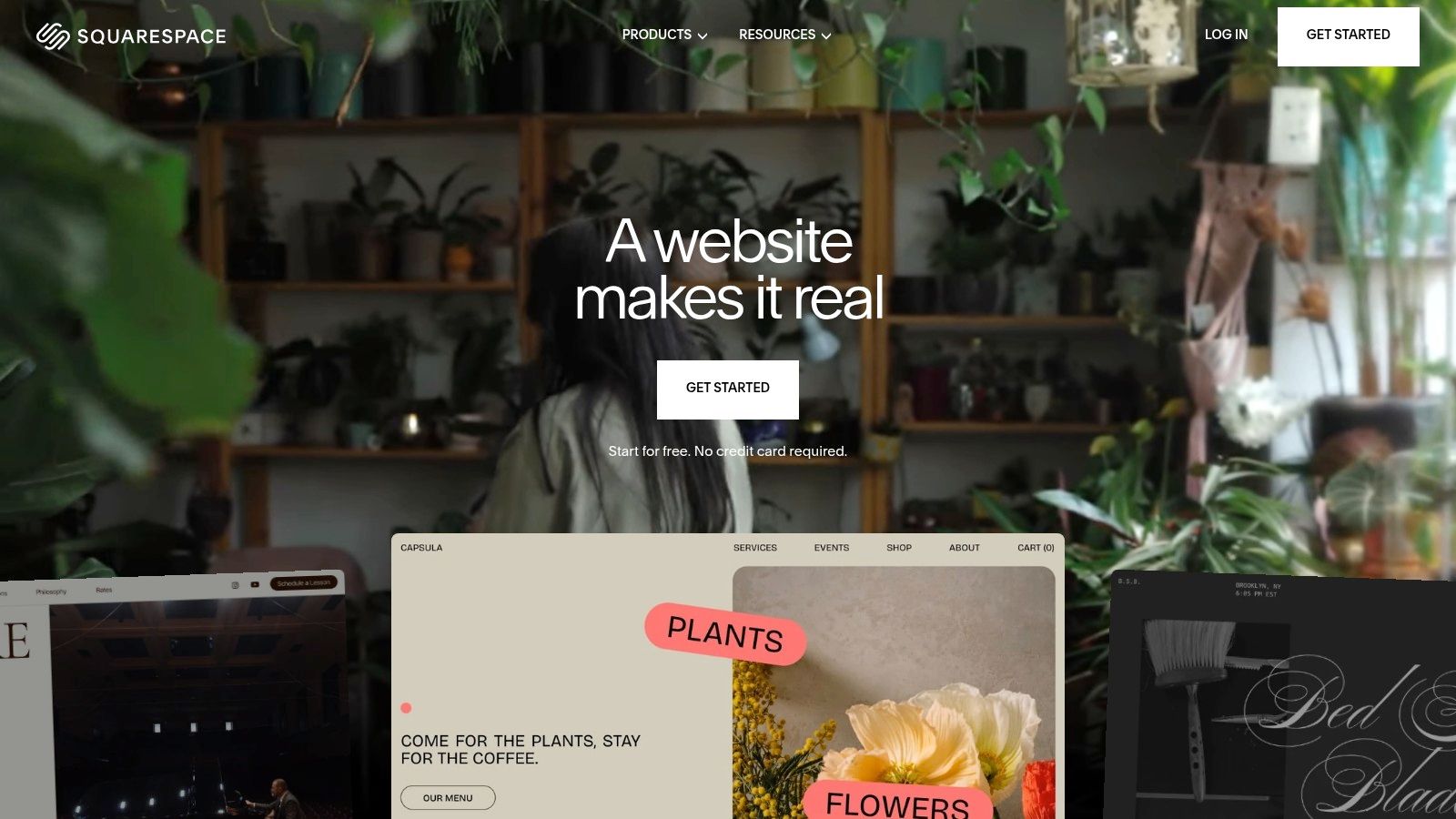
For Australian businesses, Squarespace offers localised pricing and a recently updated 2025 plan structure, alongside new AI-driven SEO tools to enhance visibility. The platform supports the sale of physical and digital products, services, and memberships, all managed within a single, elegant interface. This all-in-one nature means you get reliable hosting, marketing tools, and analytics bundled together, removing the need to manage multiple third-party services. Its intuitive drag-and-drop editor makes customisation straightforward, even for those with no coding experience.
Best For: Service-based businesses, creatives, consultants, and bloggers who need a visually stunning website with strong built-in marketing and SEO capabilities.
Key Features & Considerations
- Award-Winning Templates: Access to a curated selection of best-in-class, mobile-responsive templates suitable for any industry.
- Integrated Marketing Suite: Includes email marketing, social media tools, and promotional pop-ups all within the dashboard.
- All-in-One Platform: Combines hosting, domains, commerce, and powerful blogging tools into one cohesive system.
- New AI Tools: Recently launched AI-powered features to assist with content creation and SEO optimisation for better search rankings.
| Pros | Cons |
|---|---|
| Best-in-class, design-forward templates | No permanent free plan is available, only a free trial |
| Cohesive and powerful built-in toolset | Some advanced e-commerce features are in higher-tier plans only |
| Reliable hosting and excellent 24/7 support | The editor has a steeper learning curve than some rivals |
Website: https://www.squarespace.com
5. WordPress.com
WordPress.com offers a streamlined, managed version of the world's most popular content management system, making it an excellent website builder for small business owners who want the power of WordPress without the technical overhead of self-hosting. It packages hosting, security, and updates into a single service, allowing you to focus on creating content and growing your business. The platform provides a guided setup, a wide selection of professional themes, and an intuitive visual editor.
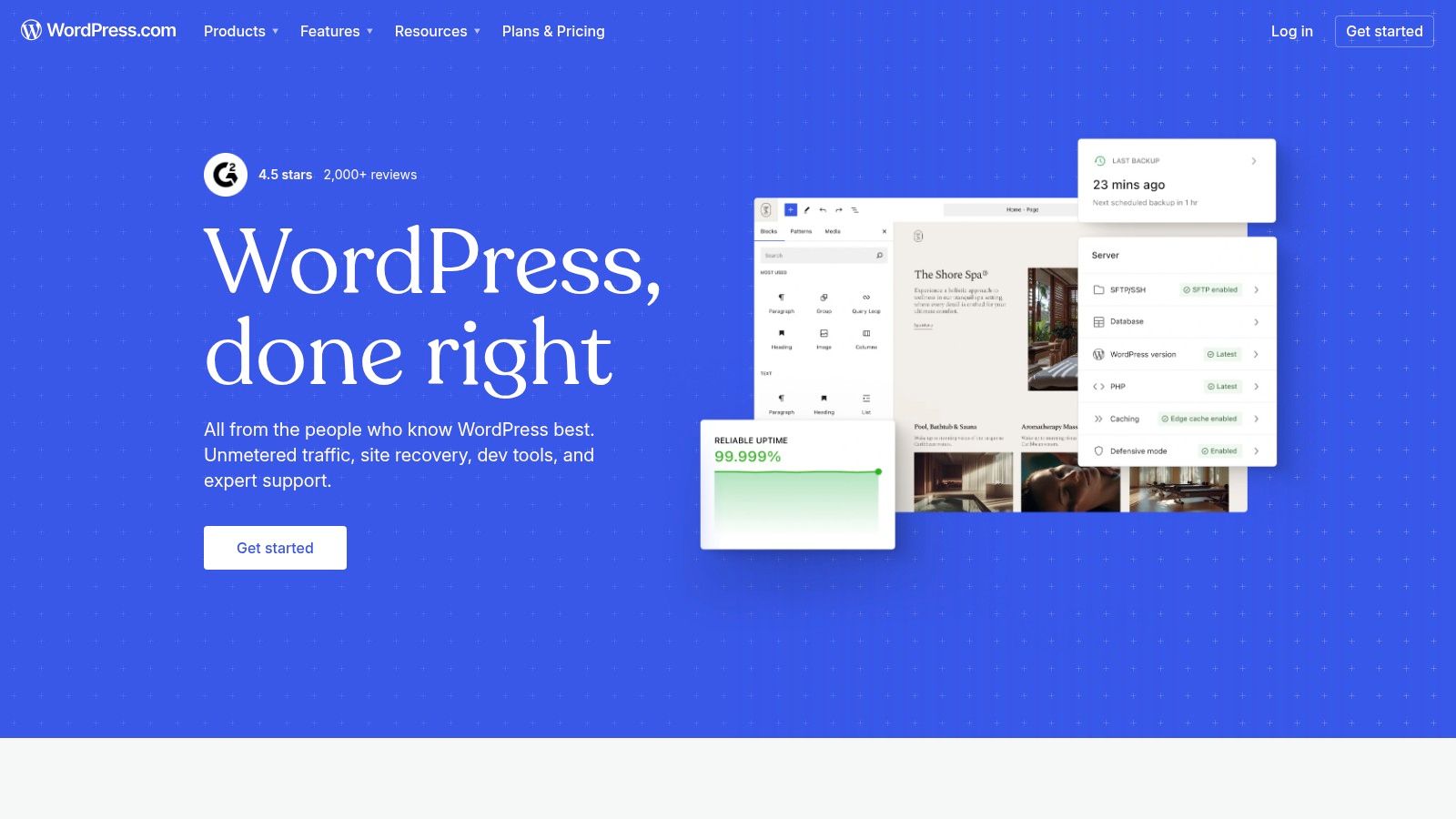
This hosted solution is ideal for businesses prioritising content creation, such as blogs, portfolios, or service-based websites. While the free and lower-tier plans are great for getting started, the true flexibility is unlocked with the Business and Commerce plans, which grant access to the vast ecosystem of plugins. These plugins can extend your site’s functionality for everything from advanced SEO to optimising site speed, which you can read about in this guide to WordPress performance plugins. WordPress.com effectively bridges the gap between simple website builders and the complexities of a self-hosted WordPress site.
Best For: Content-heavy businesses, bloggers, and service providers who need a powerful publishing platform with the potential for extensive customisation, but prefer a managed, all-in-one solution.
Key Features & Considerations
- Managed Hosting & Security: Core software updates, security monitoring, and backups are handled for you, reducing technical admin.
- Plugin & Theme Access: Higher-tier plans (Business and Commerce) provide access to thousands of WordPress plugins and premium themes for ultimate customisation.
- Built-in Publishing Tools: Features like post scheduling, categories, tags, and powerful SEO tools are integrated directly into the platform.
- Tiered Plans: A range of plans from Free to Commerce allows businesses to start small and scale their website's features as they grow.
| Pros | Cons |
|---|---|
| Extremely extensible with a large plugin ecosystem | Full plugin access requires more expensive plans |
| Core updates and security are handled by the host | Customisation can be limited on lower-tier plans |
| Excellent content publishing and SEO features | Less control over hosting environment than self-hosted |
Website: https://wordpress.com
6. GoDaddy Websites + Marketing
GoDaddy Websites + Marketing is an excellent choice for very small businesses and sole traders who need to get online quickly without a steep learning curve. It bundles a simple website builder with essential marketing tools like email marketing and social media management, making it an all-in-one solution for beginners. The platform is designed for speed and simplicity, allowing users to build and publish a professional-looking site in under an hour.
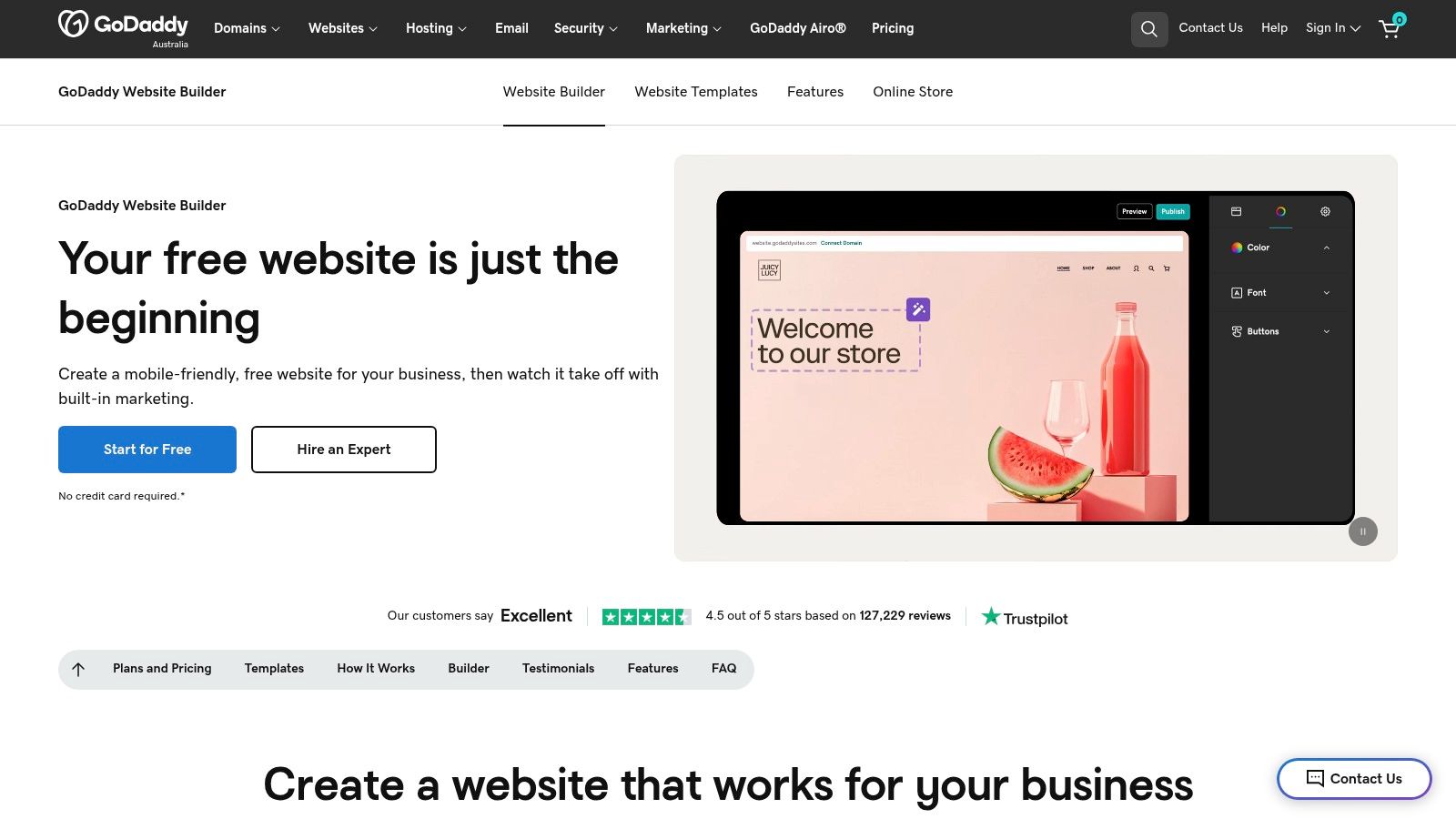
For Australian businesses, GoDaddy offers localised AU dollar pricing, a localised checkout process on commerce plans, and reliable 24/7 phone support, which is a significant advantage for those wanting direct assistance. The platform includes appointment scheduling features on higher tiers, making it ideal for service-based businesses like consultants, trainers, or salons. While it may not offer the deep customisation of other builders, its focus on integrating marketing tools directly into the dashboard makes it a practical and efficient option for managing an online presence from one place, positioning it as a contender for the best website builder for small business owners prioritising simplicity.
Best For: Service-based businesses, sole traders, and entrepreneurs who need an extremely simple, fast-to-launch website with integrated marketing and booking tools.
Key Features & Considerations
- Integrated Marketing Suite: Includes built-in tools for email marketing, social media posting, and SEO to help you reach customers from a single dashboard.
- Appointment Scheduling: Higher-tier plans offer a robust booking system for clients to schedule appointments directly on your site.
- 24/7 Support: Offers round-the-clock customer support via phone, a valuable resource for business owners needing immediate help.
- Ease of Use: A highly streamlined and intuitive interface allows for incredibly fast website creation, even for absolute beginners.
| Pros | Cons |
|---|---|
| Incredibly fast and easy for beginners to use | Design flexibility and creative control are limited |
| Integrated marketing and booking tools | E-commerce features are basic compared to dedicated platforms |
| Strong 24/7 customer support, including phone | Can be outgrown quickly as a business scales up |
Website: https://www.godaddy.com/en-au/websites/website-builder
7. Webflow
Webflow bridges the gap between no-code website builders and custom development, offering designer-grade control over every visual element. It's the ideal platform for businesses and agencies that demand unique, custom layouts and sophisticated animations without writing code. Its powerful content management system (CMS) allows teams to manage dynamic content like blog posts or portfolios while designers maintain full control over the site's structure and styling.
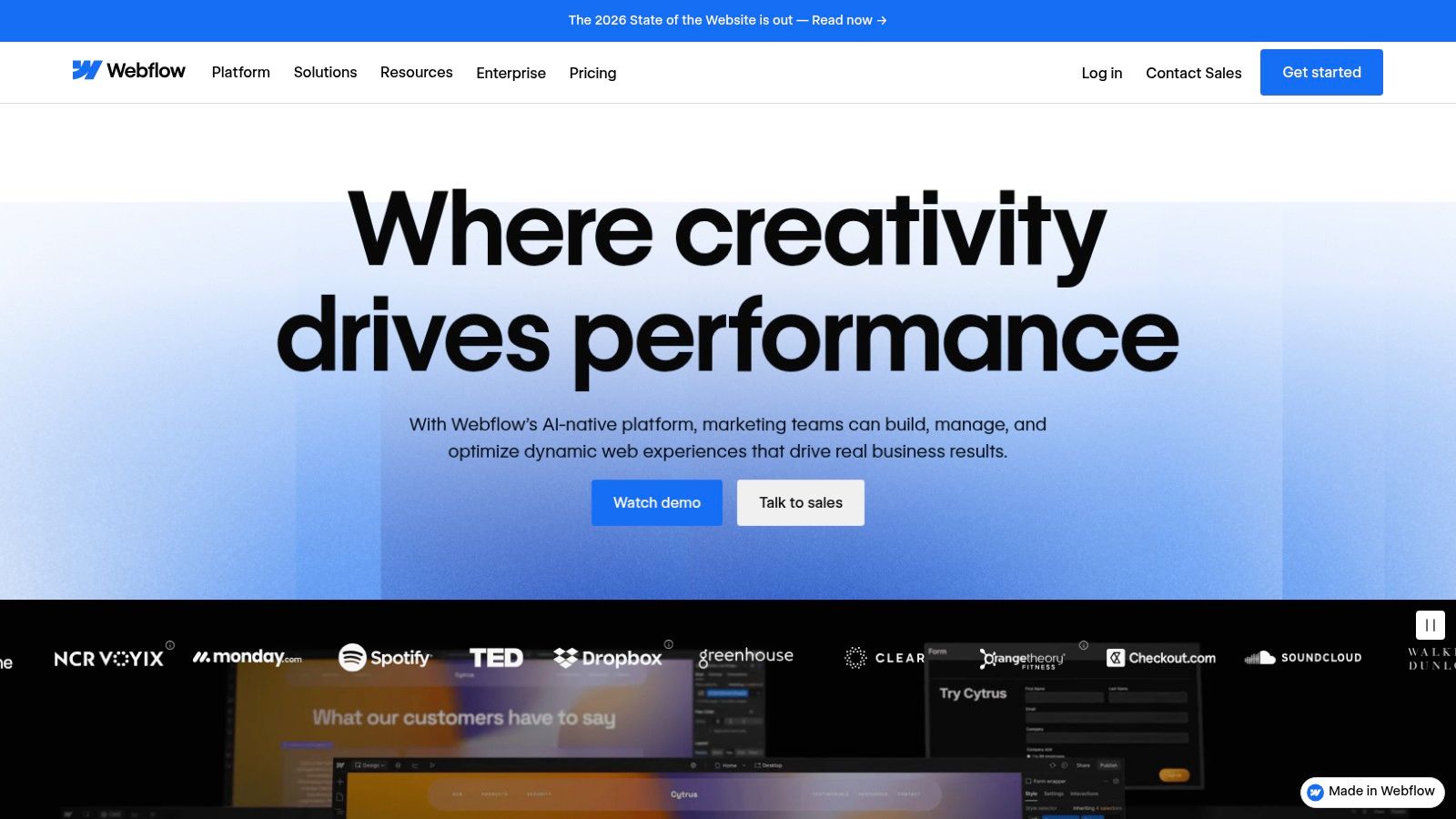
This platform generates clean, semantic code that is highly performant and SEO-friendly right out of the box, hosted on a fast, scalable infrastructure. While its learning curve is steeper than simpler drag-and-drop builders, the payoff is unparalleled creative freedom. It's a fantastic option for service-based businesses, creative portfolios, and marketing sites that need to stand out. Its recently updated site plans, including a free Starter tier, make it more accessible for businesses to start experimenting with its powerful toolset.
Best For: Designers, agencies, and tech-savvy small businesses needing complete creative control to build bespoke, high-performance websites with a powerful CMS.
Key Features & Considerations
- Visual Design Canvas: Provides granular control over HTML, CSS, and JavaScript visually, enabling custom interactions and responsive designs.
- Integrated CMS: A flexible content management system for building blogs, portfolios, and other content-driven websites.
- High-Performance Hosting: Offers fast, secure, and reliable hosting built on a global CDN to ensure excellent site speed.
- Code Export: Allows you to export clean, production-ready code for use on other hosting platforms if needed.
| Pros | Cons |
|---|---|
| Unmatched design control and customisation | E-commerce and membership features are less developed |
| Generates clean, high-quality code | Steeper learning curve compared to other builders |
| Excellent performance and hosting reliability | Some native features require third-party service integration |
Website: https://webflow.com
8. Hostinger Website Builder (formerly Zyro)
Hostinger Website Builder stands out as the best website builder for small business owners on a tight budget. It bundles high-quality hosting, a free domain, SSL, and business email into one incredibly low-cost package, making it a strong all-in-one solution for launching a professional web presence quickly. Its AI-powered tools, including a website generator and content writer, help streamline the initial setup process, which is ideal for beginners.
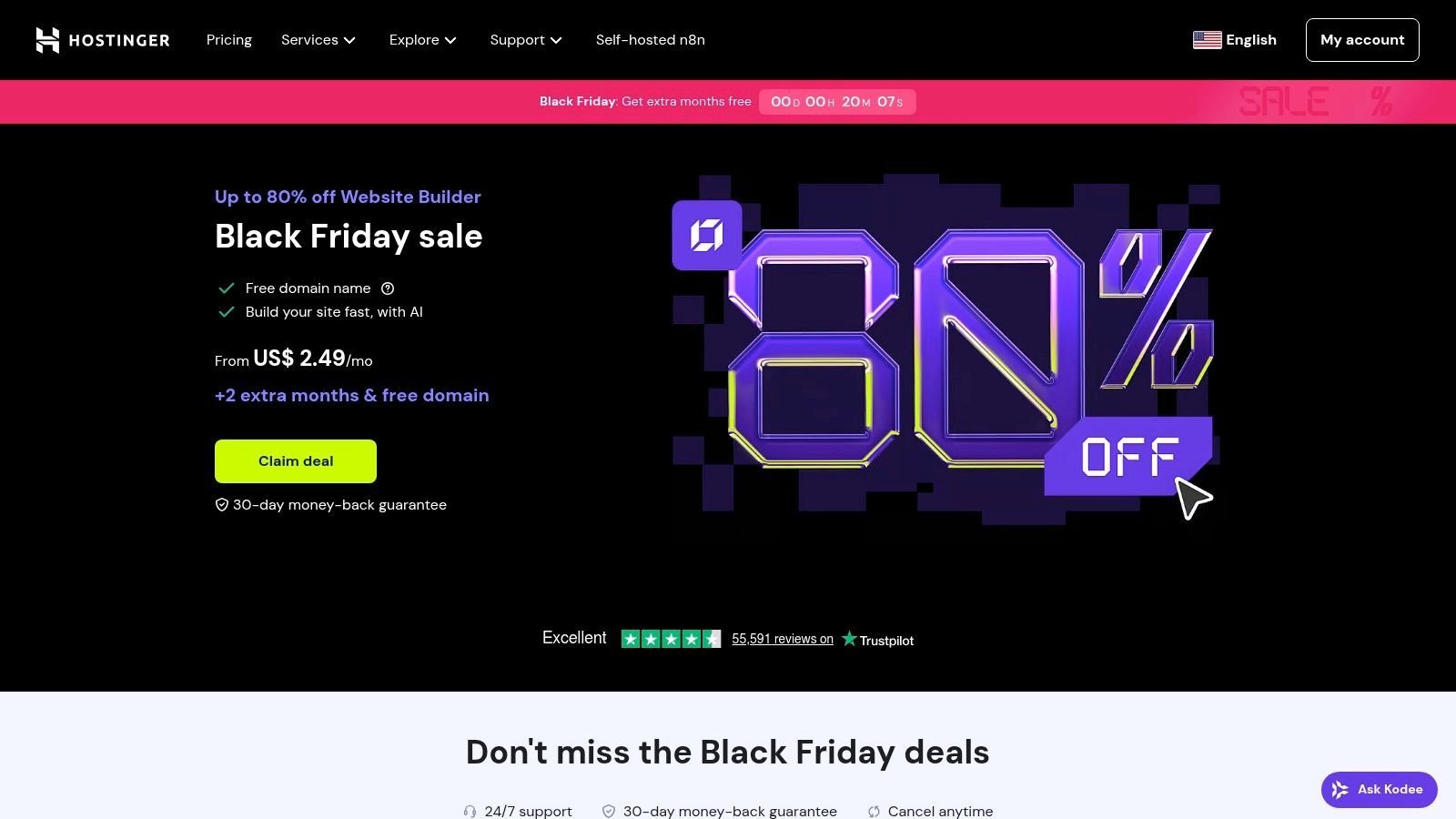
The platform also includes e-commerce functionality with zero transaction fees, a significant cost-saving advantage for new online stores. While its design customisation isn't as advanced as some competitors, it provides more than enough flexibility for most service-based businesses, portfolios, and small shops. To gain a deeper understanding of its features and performance, consider reading our in-depth Hostinger review. Heavy introductory discounts and a 30-day money-back guarantee make it a low-risk choice for getting started.
Best For: Start-ups, freelancers, and small businesses needing a fast, simple, and extremely affordable all-in-one solution to get online.
Key Features & Considerations
- AI-Powered Tools: Includes an AI website generator, logo maker, and writer to accelerate the creation process.
- All-Inclusive Plans: Bundles web hosting, a free domain for the first year, unlimited SSL, and business email accounts.
- 0% Transaction Fees: E-commerce plans do not charge any additional fees on sales, a major benefit for small retailers.
- User-Friendly Interface: A simple drag-and-drop editor with a grid system makes building pages intuitive and straightforward.
| Pros | Cons |
|---|---|
| Very affordable introductory pricing | Renewal prices are significantly higher than the initial cost |
| Fast setup and simple, beginner-friendly tools | Fewer advanced design options and third-party integrations |
| Generous bundles include domain, SSL, and email | Introductory pricing is often displayed in USD |
Website: https://www.hostinger.com/website-builder
9. BigCommerce
BigCommerce establishes itself as a powerful, SEO-friendly e-commerce platform for small and medium businesses planning for significant growth. It offers a rich set of native features out of the box, reducing the immediate need for paid apps that other platforms often require for core functionalities. This approach provides a robust foundation for scaling operations without constantly adding new costs.
For Australian businesses, BigCommerce provides strong, native support for popular local payment gateways like eWAY, PayPal, Afterpay, and Klarna, alongside ongoing integrations with services like Apple Pay. This focus on the local payment ecosystem ensures a smooth and trusted checkout experience for customers. Its transparent SaaS pricing tiers (Standard, Plus, Pro) allow businesses to select a plan that aligns with their current scale and upgrade as they grow, making it a contender for the best website builder for small business owners with ambitious e-commerce goals.
Best For: Scaling SMEs and retailers who need a robust, feature-rich e-commerce platform with strong native capabilities and less reliance on third-party apps.
Key Features & Considerations
- Native E-commerce Tools: Comes with a comprehensive suite of built-in features for promotions, inventory, and analytics, minimising app dependency.
- Australian Payment Gateways: Offers extensive, direct integrations with major AU-friendly payment providers, simplifying transactions.
- Scalable Architecture: Built to handle growth, with enterprise-grade add-ons and integrations available as your business expands.
- Transparent Pricing: Clear monthly pricing tiers make it easy to budget for your platform costs as you scale.
| Pros | Cons |
|---|---|
| Strong built-in e-commerce features | Monthly cost is higher than basic builders |
| Scales well without heavy reliance on apps | Theme and app ecosystem is smaller than Shopify’s |
| Enterprise-grade add-ons are available | Can have a steeper learning curve for beginners |
Website: https://www.bigcommerce.com
10. Crazy Domains Website Builder
Crazy Domains is a well-known Australian registrar that provides a straightforward, drag-and-drop website builder perfect for local businesses wanting a quick and easy online presence. It bundles hosting, an SSL certificate, and professional email into simple packages, often including a free .au domain with its promotions. This all-in-one approach removes the technical hurdles for beginners, making it a strong contender for the best website builder for a small business just starting out.
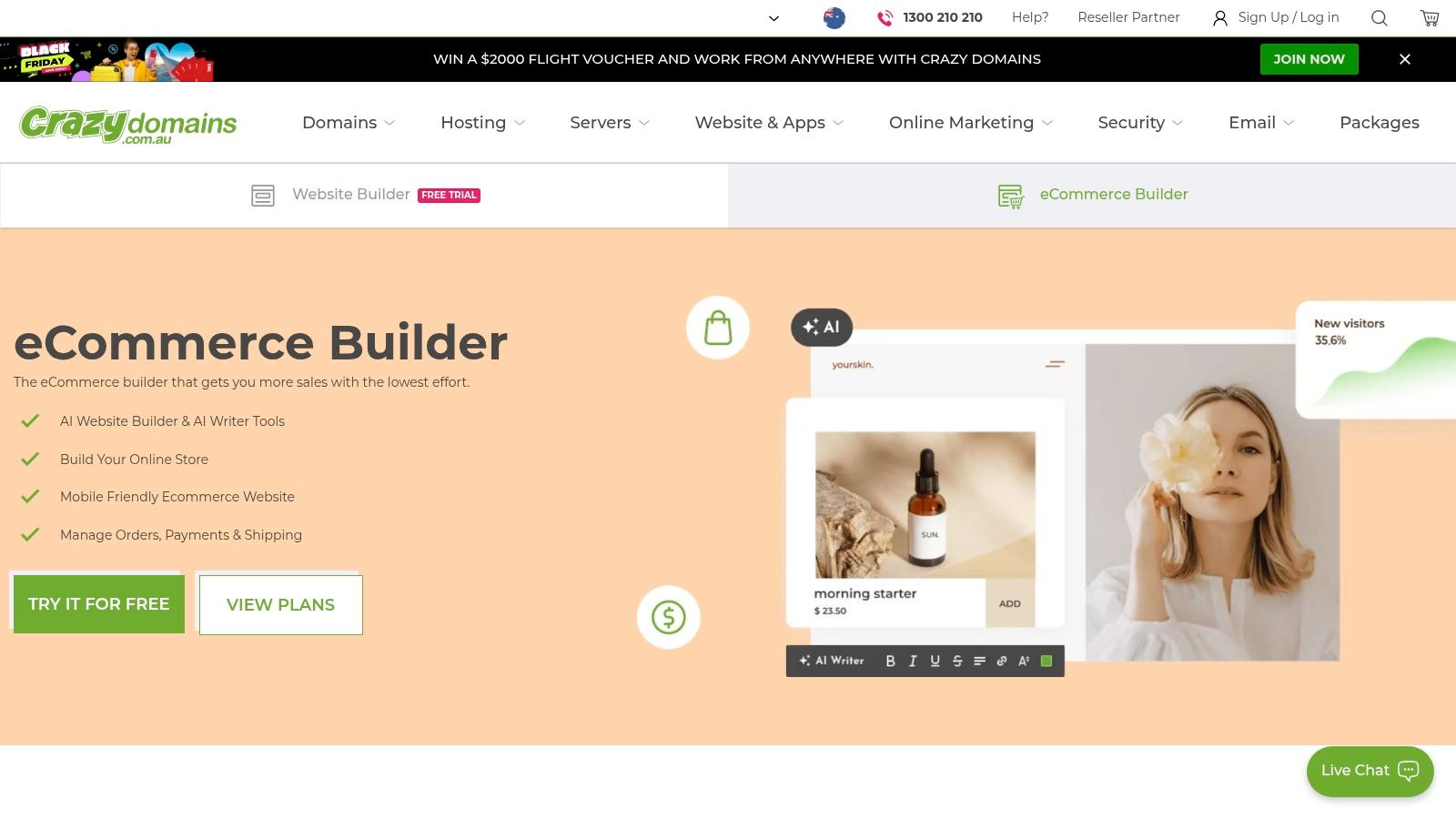
The platform is designed for simplicity, featuring AI-powered onboarding and content writing tools to help get your site live faster. While it may not have the advanced customisation of global competitors, its main appeal lies in its local focus. With Australian-based phone support and resources, it provides a reassuring and accessible path for Australian SMEs to establish a professional digital footprint without needing extensive technical skills.
Best For: New Australian small businesses, sole traders, and entrepreneurs who prioritise local support and want a simple, bundled solution for their domain, website, and email.
Key Features & Considerations
- All-in-One Bundles: Plans frequently include a .au domain, web hosting, SSL, and professional email, simplifying setup.
- AI-Powered Tools: Utilises an AI onboarding process and an AI writer to help generate initial website content quickly.
- Local Support: Offers Australian-based customer support via phone, a key benefit for local business owners.
- E-commerce Upgrade: Provides an option to add online store functionality as your business needs to grow into sales.
| Pros | Cons |
|---|---|
| Local brand with Australian phone support and resources | Editor and templates are simpler than global leaders |
| Easy domain, site, and email bundles for a quick .au presence | Pricing pages can show promotions requiring careful reading |
| Simple path to get an Australian site live fast | Fewer advanced features compared to dedicated builders |
Website: https://www.crazydomains.com.au/ecommerce-website-builder/
11. Canva Websites
Canva Websites leverages the platform's world-class design interface, making it the best website builder for small business owners who prioritise brand consistency and speed for simple, single-page sites. It’s ideal for quickly publishing visually striking landing pages, online portfolios, or event sites directly from a familiar creative environment. For those already using Canva for marketing materials, this integration creates a seamless workflow from social media graphics to a live, responsive website.
The platform is not designed to compete with complex e-commerce or blogging systems. Instead, its strength lies in simplicity and visual appeal. You can use Canva's vast library of templates, photos, and design elements, along with its growing suite of AI tools like Magic Write, to build a professional-looking site in minutes. Users can purchase and connect a custom domain directly within Canva, solidifying it as a legitimate, fast solution for specific marketing needs.
Best For: Creatives, consultants, and event organisers needing a simple, visually-led single-page website, landing page, or digital portfolio without a steep learning curve.
Key Features & Considerations
- Integrated Design Workflow: Build your site using the same drag-and-drop tools, templates, and media library you use for other marketing assets.
- Simple Domain Connection: Purchase a new domain or connect an existing one directly through the Canva interface for a professional URL.
- AI-Powered Tools: Utilise features like Magic Write and Magic Media to generate content and images quickly, speeding up the creation process.
- Responsive by Default: All websites created in Canva are automatically optimised for viewing on desktop, tablet, and mobile devices.
| Pros | Cons |
|---|---|
| Extremely fast to create and publish on-brand websites | Lacks advanced e-commerce and blogging features |
| Perfect for simple landing pages, portfolios, and microsites | Limited SEO customisation compared to dedicated builders |
| Familiar interface for existing Canva users | Plan and pricing structures can change; verify current AU costs |
Website: https://www.canva.com/websites/
12. G2
While not a website builder itself, G2 is an essential research tool for finding the best website builder for small business needs. It operates as a massive B2B software marketplace, aggregating user reviews, ratings, and feature comparisons for hundreds of platforms. For small business owners, its dedicated "Website Builder" category allows you to filter options based on specific criteria like e-commerce functionality, ease of use, and pricing models, helping you create a reliable shortlist.
G2’s value lies in its aggregated, real-world user feedback, offering a neutral counterpoint to vendor marketing claims. You can quickly see crowdsourced pros and cons, read recent reviews from businesses similar to yours, and get a feel for a platform’s true strengths and weaknesses. It streamlines the comparison process by providing direct links to product pages and free trials, making it an indispensable first stop before committing to a platform.
Best For: Business owners in the research phase who want to compare multiple website builders using verified user reviews and data-driven comparison grids to make an informed decision.
Key Features & Considerations
- Dedicated Small Business Category: Filters website builders specifically reviewed and rated by small business users.
- Aggregated User Reviews: Presents a balanced view by summarising the most frequently mentioned pros and cons from hundreds of reviews.
- Direct Vendor Links: Provides quick access to start free trials or view official product and pricing pages.
- Comparison Grids: Allows you to compare up to four platforms side-by-side on features, satisfaction ratings, and market presence.
| Pros | Cons |
|---|---|
| Neutral comparisons and recent user reviews validate claims | Not all reviews reflect an Australian business context |
| Quick way to find and click through to vendor trials | Pricing shown may default to USD; always verify on the vendor's site |
| Granular filtering helps narrow down the best-fit options | The sheer volume of options can still feel overwhelming for beginners |
Website: https://www.g2.com/categories/website-builder/small-business
Top 12 Small-Business Website Builders: Feature & Pricing Snapshot
| Platform | Core features / Capabilities | UX & Reliability (★) | Price & Value (💰) | Target audience & USP (👥 / ✨ / 🏆) |
|---|---|---|---|---|
| Shopify | All‑in‑one ecommerce: hosting, checkout, POS, apps, shipping | ★★★★★ | 💰 Mid–High; transaction fees possible | 👥 Growing retailers; ✨ Robust POS & app ecosystem; 🏆 Scalable commerce |
| Square Online (Weebly) | No‑code store + native Square POS, bookings, inventory sync | ★★★★☆ | 💰 Free tier; paid to remove branding | 👥 Square users, hospitality; ✨ Seamless online↔in‑person sync |
| Wix | Drag‑and‑drop, templates, SEO, bookings, memberships, apps | ★★★★☆ | 💰 Low–Mid; free trial/tier | 👥 Small businesses wanting many built‑ins; ✨ Wide template/app library |
| Squarespace | Design‑first templates, blogging, commerce, AI SEO tools | ★★★★★ | 💰 Mid; no permanent free | 👥 Creatives & brands; ✨ Polished templates & cohesive marketing; 🏆 Best‑in‑class design |
| WordPress.com | Managed WordPress: visual editor, themes, hosting tiers | ★★★★☆ | 💰 Low–High; plugins often need Business tier | 👥 Publishers & devs wanting WP without hosting overhead; ✨ Highly extensible |
| GoDaddy Websites + Marketing | Simple site builder, marketing dashboard, bookings, email | ★★★☆☆ | 💰 Low with promos; free trials | 👥 Very small businesses; ✨ Fast setup + AU phone support |
| Webflow | Visual CMS, designer control, clean code, performant hosting | ★★★★☆ | 💰 Mid–High; free starter plan | 👥 Agencies & SMEs needing custom layouts; ✨ Designer‑grade control; 🏆 Clean code & performance |
| Hostinger Website Builder | AI site generator + hosting, domain, SSL, email bundles | ★★★☆☆ | 💰 Very affordable entry; heavy promos | 👥 Budget sites & fast launches; ✨ Bundled domain/email & 30‑day guarantee |
| BigCommerce | Native ecommerce features, AU payment gateways, SEO focus | ★★★★☆ | 💰 Mid–High; higher than basic builders | 👥 Scaling ecommerce SMEs; ✨ Strong native features; 🏆 Enterprise‑ready commerce |
| Crazy Domains Website Builder | Drag‑drop builder with .au domain bundles, local support | ★★★☆☆ | 💰 Low with .au promos | 👥 AU SMEs wanting quick .au presence; ✨ Local bundles & phone support |
| Canva Websites | Publish responsive sites from Canva designs; interactive elements | ★★★☆☆ | 💰 Low; included in Canva plans | 👥 Portfolios, landing pages, event sites; ✨ Extremely fast, brand‑consistent output |
| G2 | Review marketplace: comparisons, filters, user pros/cons, trial links | ★★★★☆ | 💰 Free to use | 👥 Buyers shortlisting tools; ✨ Aggregated reviews & vendor trial links |
Final Thoughts
Navigating the landscape of website builders can feel overwhelming, but making an informed choice is the first crucial step toward establishing a powerful online presence for your Australian business. We've explored a diverse range of platforms, from the eCommerce powerhouse of Shopify to the design-centric elegance of Squarespace, and the customisation potential of Webflow. Each tool presents a unique combination of features, pricing, and ease of use, tailored to different business models and technical skill levels.
Key Takeaways for Your Decision
The central theme is clear: there is no single "best" website builder for every small business. The ideal platform is the one that aligns perfectly with your specific goals, budget, and long-term vision.
- For eCommerce-focused businesses, platforms like Shopify and BigCommerce offer unparalleled, specialised tools for inventory management, payment processing, and sales channel integration.
- For service-based businesses or creative portfolios, Wix and Squarespace provide visually stunning templates and intuitive drag-and-drop editors that make professional design accessible to everyone.
- For those prioritising ultimate flexibility and scalability, a self-hosted solution using WordPress is unmatched, though it comes with a steeper learning curve. Alternatively, Webflow offers a modern, no-code pathway to highly customised, professional sites.
- For businesses on a tight budget, builders like Square Online and Hostinger Website Builder deliver excellent value, providing essential features without a significant financial outlay.
Your Actionable Next Steps
Before you commit, it's vital to think beyond the initial launch. Consider how the platform will support your business as it grows. Ask yourself critical questions: Does it integrate with the marketing tools you plan to use? How will it handle increased traffic? Can you easily add new features, like a blog or online booking system, down the track?
We strongly recommend taking advantage of the free trials or free plans offered by most of these builders. This hands-on experience is invaluable. Test the editor's interface, explore the available features, and get a real feel for whether the platform is a good fit for your workflow. Choosing the best website builder for your small business is less about finding a perfect tool and more about finding the right partner for your digital journey. Your website is the digital front door to your business; choose the builder that helps you open it with confidence and style.
Feeling like you need a local expert to cut through the noise and build a website that truly performs? Digital Roo's specialises in creating high-performance, SEO-optimised websites for Australian small businesses. Let us handle the technical complexities so you can focus on what you do best, visit Digital Roo's to learn how we can build your digital foundation for success.