
In a crowded digital marketplace, captivating visuals are non-negotiable. Whether you're building a website page, writing a blog post, or planning a social media calendar, high-quality imagery is essential. It captures attention far more effectively than text alone, communicates your brand's message instantly, and establishes a professional, credible presence.
However, sourcing these images can be a complex task. Using a copyrighted photo without the correct permissions can result in significant legal trouble and financial penalties. This is the problem that royalty-free image platforms solve. They offer a legitimate and cost-effective gateway to vast libraries of professional photos, illustrations, and vectors, ensuring your projects look polished without the legal risk. But while these images are professional, their file sizes can be large. High-resolution visuals can slow your site down, so it's crucial to learn how to compress images for faster website load times to maintain a great user experience.
This guide is designed to be your definitive resource, helping you navigate the options and find the best websites to find royalty-free images for your website & social media needs. We’ll cut through the noise and provide an honest, in-depth analysis of the top platforms, from premium subscription services like Shutterstock and Adobe Stock to excellent free resources like Unsplash and Pexels. Each entry includes a breakdown of licensing, pricing, ideal use cases, pros and cons, and direct links, so you can quickly identify the perfect fit for your specific brand, project, and budget.
1. Shutterstock
Shutterstock is a global powerhouse in the stock media industry, making it an essential platform when searching for the best websites to find royalty-free images for your website & social media channels. With a library boasting over 500 million assets, its sheer volume is unmatched, covering nearly every conceivable theme, style, and subject matter. This makes it an ideal one-stop shop for businesses needing a consistent supply of high-quality, professional imagery for diverse marketing campaigns.
What sets Shutterstock apart is its clearly defined licensing structure, which demystifies commercial usage rights. The Standard Licence is perfect for most digital applications like blog posts, social media updates, and website visuals. For larger-scale use, such as merchandise or extensive print runs, the Enhanced Licence provides broader permissions and higher legal indemnification, offering peace of mind for growing businesses. They also offer a powerful AI image generator, allowing you to create custom visuals directly within the platform.
Key Details & Use Case
- Best For: Businesses requiring a vast, reliable library of professional photos, vectors, and illustrations with clear commercial licensing.
- Licensing: Requires a paid subscription or image pack. Standard and Enhanced licences are available. Attribution is not required.
- Pricing: Subscription plans start from around A$49/month for 10 images. On-demand packs are also available for more flexible needs.
- Pro Tip: Use the advanced search filters to narrow down results by orientation (e.g., vertical for stories), colour, and even the number of people in the image to find precisely what you need quickly.
| Pros | Cons |
|---|---|
| Massive, high-quality library with extensive search functionality | Can be more expensive than free or smaller stock sites |
| Clear, legally sound licensing for commercial use | Annual plans may have cancellation fees |
| Enterprise tiers offer added protection and team management | Navigating different licence types can be confusing for new users |
| Integrated AI image generator for custom creations | Customer support experiences can be mixed, according to user reports |
Learn more about how platforms like Shutterstock integrate into professional websites to create a polished brand presence.
Website: https://www.shutterstock.com
2. iStock by Getty Images
iStock by Getty Images is a premier destination for businesses looking for the best websites to find royalty-free images for your website & social media. As part of the Getty Images family, it offers a highly curated experience, separating its collection into two distinct tiers. The "Essentials" collection provides affordable, everyday visuals, while the "Signature" collection features exclusive, higher-end imagery that feels less like traditional stock photography, perfect for brands wanting to stand out.
What makes iStock a strong contender is its flexible purchasing model combined with a solid legal framework. Users can opt for a monthly subscription or purchase credit packs for more sporadic needs, with unused downloads often rolling over. This flexibility is ideal for small businesses and startups with fluctuating content demands. The licensing is clear and reliable, providing the legal protection needed for commercial projects, from social media campaigns to website banners and marketing collateral.
Key Details & Use Case
- Best For: Brands and marketers needing high-quality, curated images with flexible purchasing options and strong legal protection.
- Licensing: Requires a paid subscription or credit packs for royalty-free use. Standard and Extended licences are available. Attribution is not required.
- Pricing: Subscriptions start from A$55/month for 10 images. Credit packs offer pay-as-you-go flexibility, starting at around A$45 for 3 credits.
- Pro Tip: Look for the "Signature" collection filter when you need unique, premium visuals that are less likely to be seen on competitor websites.
| Pros | Cons |
|---|---|
| Strong curation with premium, less "stocky" content available | Premium Signature content comes at a higher price point |
| Flexible purchasing via credits or subscriptions | Reported mixed customer service experiences |
| Backed by Getty Images, offering reliable legal protection | Differentiating between Essentials and Signature can be confusing |
| Unused subscription downloads can roll over (with limits) | The credit system can be less cost-effective for high-volume users |
Discover how high-quality imagery from platforms like iStock can enhance your site’s user experience and elevate your brand's digital presence.
Website: https://www.istockphoto.com
3. Adobe Stock
Adobe Stock is a premium content service deeply integrated into the Adobe ecosystem, making it a top contender among the best websites to find royalty-free images for your website & social channels. With a vast, curated library of high-resolution photos, vectors, illustrations, templates, and even 4K video, it offers professional-grade assets that meet the high standards of creative professionals. Its primary advantage is the seamless workflow for anyone using Adobe Creative Cloud applications like Photoshop, Illustrator, or InDesign.
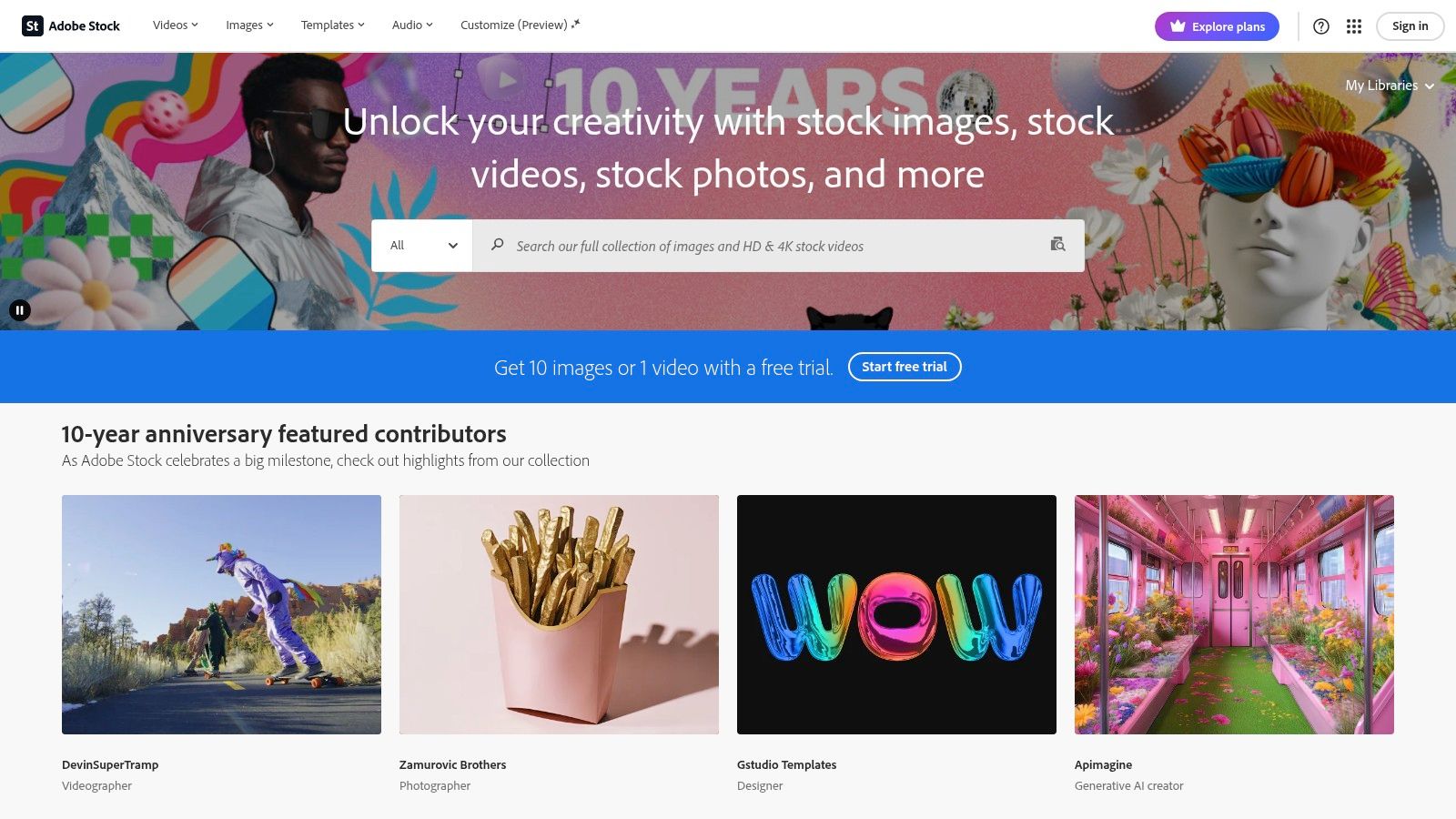
What makes Adobe Stock particularly powerful is its direct-to-app licensing. Users can search for and test watermarked images directly within their projects and then license the high-resolution version with a single click, automatically replacing the preview. This eliminates the need to download and import files, saving valuable time. The licensing is straightforward, with a standard royalty-free licence covering most commercial uses online and in print. They also offer credit packs for accessing their premium collection and video content.
Key Details & Use Case
- Best For: Creative professionals and businesses already invested in the Adobe Creative Cloud ecosystem who value a streamlined workflow.
- Licensing: Requires a paid subscription or credit packs. Standard royalty-free licence is included. Attribution is not required.
- Pricing: Subscription plans start from A$43.99/month for 10 assets, with unused credits often rolling over to the next month.
- Pro Tip: Use the "Find Similar" feature powered by Adobe Sensei AI. If you find an image you like, this tool will instantly surface visually similar options, accelerating your search for the perfect asset.
| Pros | Cons |
|---|---|
| Seamless integration with Creative Cloud apps for a fast workflow | Less cost-effective for users not using Adobe software |
| High-quality, professionally curated library of diverse assets | Annual plans have an early-termination fee after the first 14 days |
| Powerful AI-driven search and "Find Similar" features | Month-to-month plans are significantly more expensive than annual |
| Unused monthly credits can often be rolled over | Premium content and 4K video require separate credit packs |
Website: https://stock.adobe.com
4. Envato Elements
Envato Elements operates on a unique "all-you-can-eat" subscription model, making it one of the best websites to find royalty-free images for your website & social media, especially for creators with high-volume needs. Instead of paying per image, a single monthly fee grants you unlimited downloads from a massive library of over 26 million creative assets. This includes not only stock photos but also video templates, graphics, music, and even website themes, providing incredible value for agencies, freelancers, and businesses that produce a wide range of content.
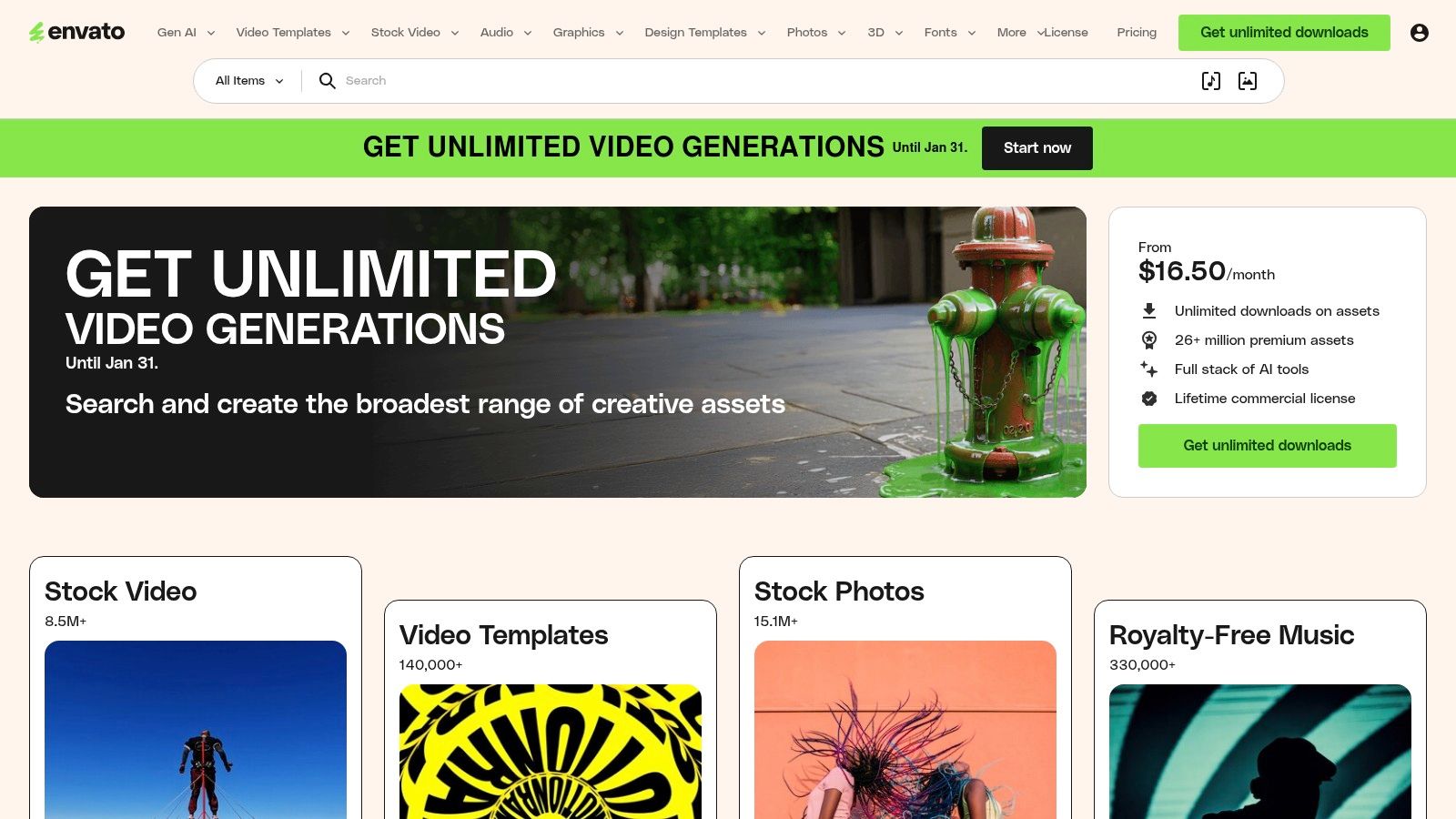
The platform's standout feature is its simple, broad commercial licence. Each time you download an asset, you register it for a specific project, which grants you a lifetime licence for that use. This is perfect for client work or one-off campaigns, as it clearly documents your right to use the asset. For those who need a constant stream of diverse creative materials without worrying about download limits, Envato Elements is an unparalleled resource that streamlines the entire content creation workflow.
Key Details & Use Case
- Best For: High-volume content creators, agencies, and marketers who need unlimited access to a wide variety of assets (photos, video, audio, templates) for a flat fee.
- Licensing: Requires a paid subscription. A simple lifetime commercial licence is granted for each asset when registered to a project.
- Pricing: Individual plans start from around A$24/month. Team and Enterprise plans are also available.
- Pro Tip: Organise your downloads into dedicated projects within your Envato account. This makes it easy to track licences and re-download assets for a specific client or campaign if needed.
| Pros | Cons |
|---|---|
| Exceptional value with unlimited downloads across all asset types | Licence ties each download to a specific, registered project |
| Simple, broad commercial licensing model covers most use cases | Reusing a single asset across many unrelated projects is cumbersome |
| Huge library includes photos, video, audio, and design templates | Finding the perfect niche photo can take longer than on specialised sites |
| Consistent addition of new, high-quality assets to the library | Enterprise options require direct contact with the sales team |
Website: https://elements.envato.com
5. Canva
Canva has evolved from a simple design tool into an all-in-one content creation platform, making it a unique contender among the best websites to find royalty-free images for your website & social media. Rather than just offering a library, Canva integrates millions of free and premium stock photos directly into its user-friendly design interface. This allows you to find an image, create a graphic with text overlays, resize it for different platforms, and even schedule it for posting without ever leaving the app.
The platform's key advantage is its seamless workflow. For Canva Pro users, the licensing is straightforward; using a premium "Pro" image within a design grants you a one-design-use licence for commercial purposes. While Canva offers a convenient solution for many, it's worth noting that other platforms provide similar or specialized features. If you're already using Canva or are looking for a different experience, you might want to explore a Canva alternative. Its integration of free stock libraries from Pexels and Pixabay also expands the options available to all users, making it a powerful hub for both finding and utilising visual content.
Key Details & Use Case
- Best For: Small businesses, marketers, and creators who need an end-to-end solution for finding images and creating polished social media graphics or web assets quickly.
- Licensing: Canva Pro includes a commercial licence for premium assets used in your designs. Free content is also available under the Canva Free Content Licence.
- Pricing: A free plan is available with access to a large library. Canva Pro starts from A$164.99/year and unlocks premium stock assets and advanced features.
- Pro Tip: Use the "Magic Resize" tool (a Pro feature) to instantly adapt a single design for multiple formats, like a blog banner, Instagram story, and Facebook post, saving hours of work.
| Pros | Cons |
|---|---|
| All-in-one platform for finding images, designing, and publishing | Pro licence for an asset is for one-design-use in specific cases |
| Massive library of both free and premium photos and elements | Premium assets can be pay-per-use for those on the free plan |
| Extremely user-friendly with a minimal learning curve | Not ideal for users who just want to download raw, unedited images |
| Includes video, audio, and robust design templates | Search functionality is less granular than dedicated stock sites |
Discover how assets from platforms like Canva are used to boost online visibility through compelling, search-optimised content.
Website: https://www.canva.com
6. Unsplash
Unsplash has become a benchmark for high-quality, free-to-use photography, making it one of the best websites to find royalty-free images for your website & social media. It is celebrated for its authentic, artistic, and less "stocky" feel, which is perfect for brands wanting to create a more genuine and relatable online presence. The platform is built on a community of generous photographers who share their work for others to use freely.
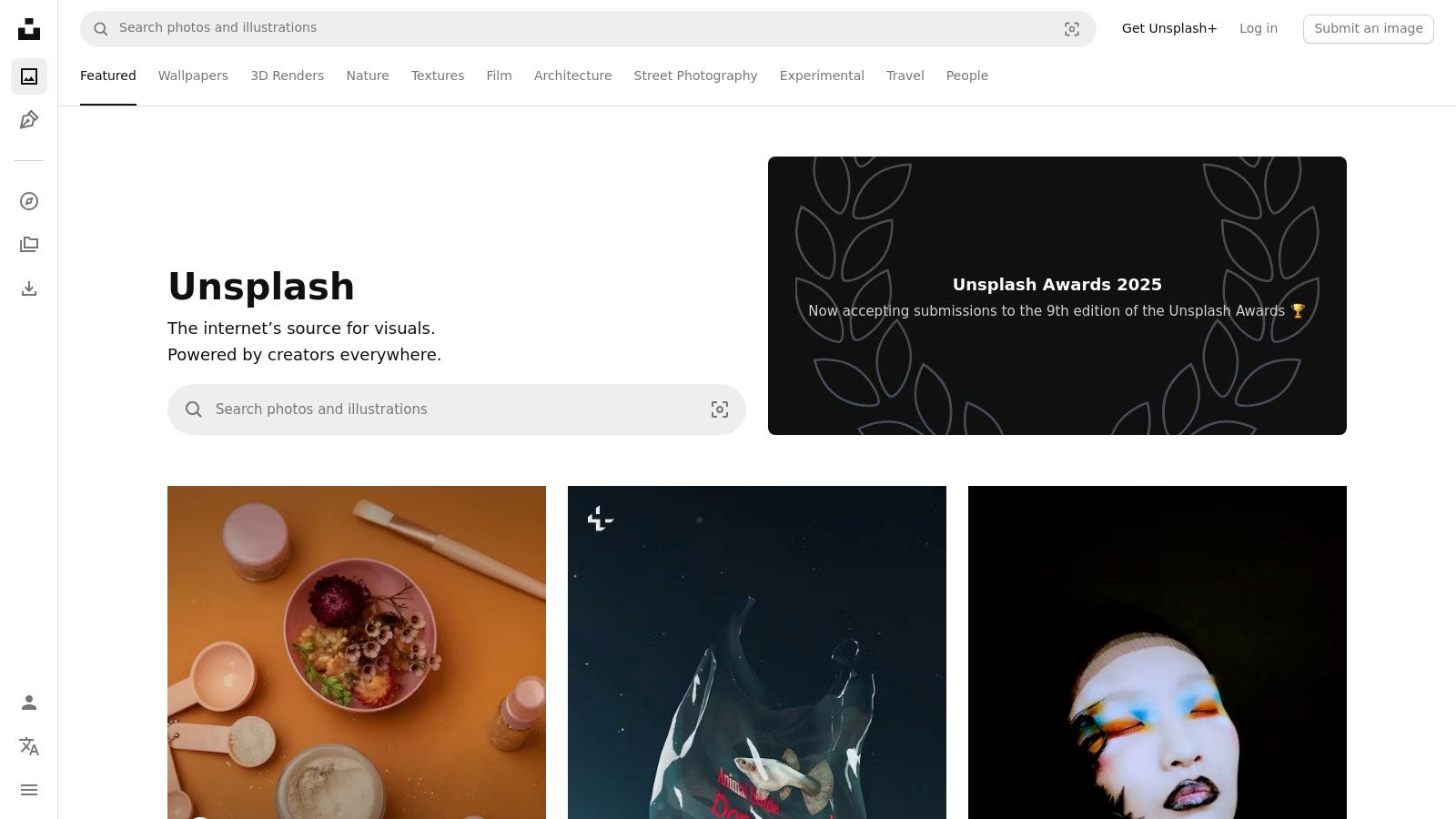
The platform operates primarily under the simple Unsplash Licence, which grants an irrevocable right to download, copy, modify, and use the photos for free, for both commercial and non-commercial purposes, without needing permission or attribution. For businesses seeking greater legal peace of mind, the Unsplash+ subscription offers exclusive, model-released content with enhanced legal protections and indemnification. This dual model provides flexibility, catering to both casual bloggers and professional marketing teams.
Key Details & Use Case
- Best For: Blogs, social media, and websites needing authentic, high-resolution photos that don't look like traditional stock imagery.
- Licensing: Free library is covered by the Unsplash Licence. Unsplash+ is a paid subscription with expanded legal protections. Attribution is appreciated but not required.
- Pricing: The vast majority of the library is free. Unsplash+ subscriptions start from around A$10/month (billed annually).
- Pro Tip: Use the "Collections" feature to browse curated sets of images with a consistent theme or aesthetic, which is ideal for maintaining visual consistency across your brand.
| Pros | Cons |
|---|---|
| Excellent quality and authentic, non-stock feel | The free licence lacks the explicit guarantees of paid platforms |
| Huge, high-quality library available completely free | Cautious use is needed for images featuring identifiable brands |
| Simple, creator-friendly licence for most web and social uses | Unsplash+ content is mixed with free results, requiring filtering |
| Strong community curation helps surface the best content | Popular images can be overused, potentially reducing uniqueness |
Ensuring your website images load quickly is crucial for user experience; discover how to optimise site speed with our detailed review of WP Rocket.
Website: https://unsplash.com
7. Pexels
Pexels has become a go-to platform for creators and marketers looking for one of the best websites to find royalty-free images for your website & social media, all completely free of charge. Its curated collection features high-quality, authentic-looking photos and videos that align well with modern digital aesthetics. The platform is incredibly user-friendly, with a clean interface and powerful search that makes discovering relevant, professional-grade content simple and efficient.
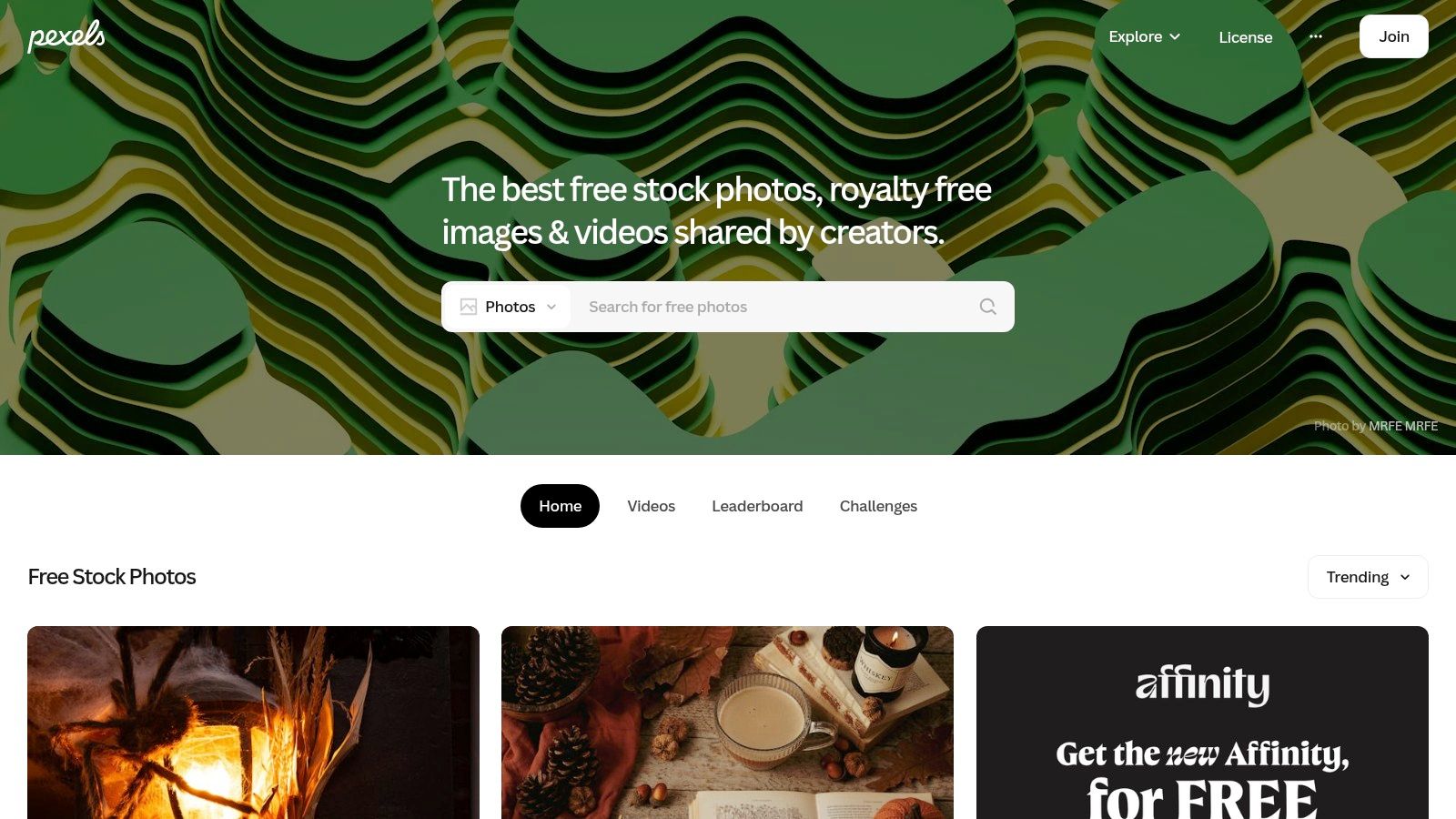
What makes Pexels stand out is its highly permissive licence, which allows for commercial use without requiring payment or attribution, though donations are encouraged. This straightforward approach removes a significant barrier for startups, bloggers, and small businesses operating on tight budgets. The library is particularly strong in lifestyle, business, and nature imagery, making it an excellent resource for creating engaging social media posts, blog headers, and website backgrounds without incurring any cost.
Key Details & Use Case
- Best For: Startups, bloggers, and social media managers needing high-quality, modern images and videos without a budget.
- Licensing: Free for commercial and personal use under the Pexels Licence. No attribution is required.
- Pricing: Completely free.
- Pro Tip: Use the "Collections" feature to browse curated groups of images around a specific theme or aesthetic, which is perfect for finding a cohesive set of visuals for a campaign.
| Pros | Cons |
|---|---|
| Entire library is completely free for commercial and personal use | No legal protection or indemnification like paid platforms offer |
| High-quality, authentic photo and video content | Must be careful not to imply endorsement from people in the photos |
| Simple, easy-to-understand licence with no attribution needed | Content can be less unique as it is widely used |
| Excellent for trending topics and social media visuals | Lacks the niche-specific depth of larger paid libraries |
Website: https://www.pexels.com
8. Pixabay
Pixabay is a well-known community-driven platform and a strong contender among the best websites to find royalty-free images for your website & social channels, especially for those on a tight budget. It offers a massive and diverse collection of over 2.7 million free stock photos, vectors, illustrations, and impressively, also provides royalty-free videos and music. This makes it a highly versatile resource for creators who need more than just static images for their content marketing without any cost.
The platform operates under its own "Pixabay License," which simplifies usage by allowing free commercial and non-commercial use with no attribution required. While this is incredibly convenient for fast-paced social media content and blog posts, users should be aware that the license does not provide legal protection or warranties. It’s a fantastic starting point, but businesses must perform their own due diligence, particularly when images feature recognisable brands, people, or private property.
Key Details & Use Case
- Best For: Startups, bloggers, and small businesses needing a wide variety of free media types (photos, videos, music) for everyday digital content.
- Licensing: Free for commercial use under the Pixabay License. No attribution required, although appreciated by creators.
- Pricing: Completely free. An account is required to download full-resolution assets.
- Pro Tip: Use the "Editor's Choice" selection when searching to find some of the highest-quality and most popular curated images, which can save you time sifting through less professional content.
| Pros | Cons |
|---|---|
| Completely free for commercial use without attribution | Image quality can be inconsistent compared to premium platforms |
| Huge variety of media, including videos, music, and vectors | No legal indemnification; risk of using images with logos or people |
| Simple, easy-to-understand licence for quick use | Requires an account to download high-resolution versions |
| Content is user-generated, offering authentic and unique visuals | Search results sometimes sponsored by paid stock sites |
Website: https://pixabay.com
9. Depositphotos
Depositphotos strikes a compelling balance between a vast, premium library and flexible pricing, making it a strong contender among the best websites to find royalty-free images for your website & social media. With millions of high-quality photos, vectors, videos, and music tracks, it serves as a reliable resource for marketers and businesses who need consistent access to professional-grade creative assets without committing to the highest-tier platforms.
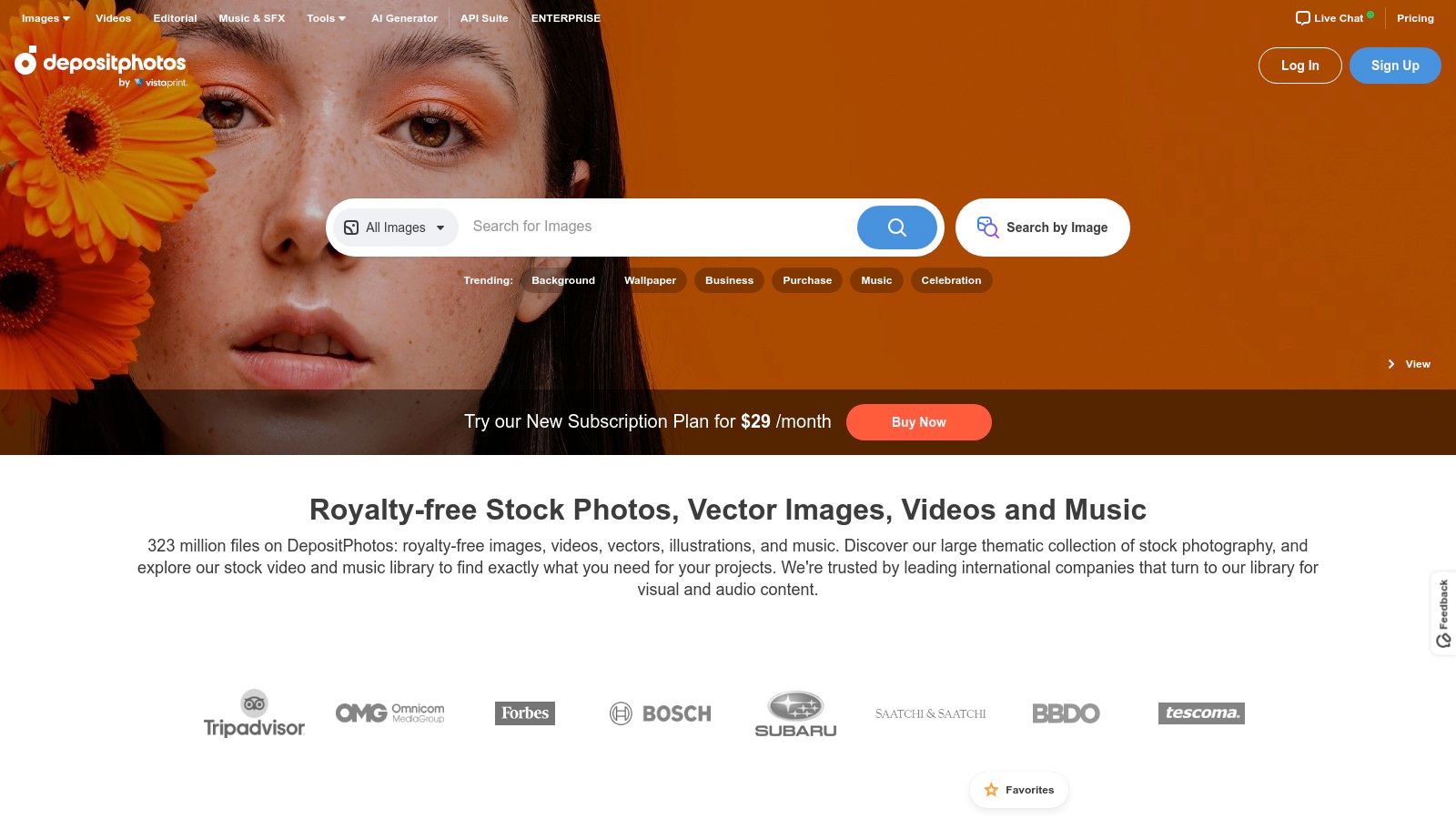
What makes Depositphotos particularly attractive is its user-friendly approach to purchasing. It offers both monthly/annual subscriptions and on-demand image packs, providing flexibility for different budget cycles and project needs. Many of its subscription plans include a rollover feature, allowing you to carry over unused downloads to the next month, which minimises waste for users with fluctuating creative demands. Its Standard and Extended licences clearly define usage rights, with business tiers offering legal indemnification for added security.
Key Details & Use Case
- Best For: Small to medium-sized businesses, marketing agencies, and freelancers looking for a high-quality, affordable alternative to top-tier stock sites.
- Licensing: Requires paid subscriptions or on-demand packs. Standard and Extended licences are available for commercial use. Attribution is not required.
- Pricing: Flexible plans start from around A$45/month for 30 images, with on-demand packs also available. Business plans offer team features.
- Pro Tip: Always check your plan’s rollover rules in the help centre. Understanding how many unused downloads you can carry forward helps maximise the value of your subscription.
| Pros | Cons |
|---|---|
| Flexible buying options with subscriptions and image packs | Plan details and pricing can vary by region |
| Rollover feature on many plans prevents losing unused downloads | Pricing tables sometimes require logging in to see local currency |
| Clear and transparent licensing terms in the help centre | The sheer volume can sometimes make niche searches challenging |
| Includes a built-in AI image generator for custom visuals | Auto-renewal is on by default and needs to be managed in settings |
Website: https://depositphotos.com
10. 123RF
123RF is a veteran microstock agency that has evolved into a versatile and cost-effective solution, earning its place among the best websites to find royalty-free images for your website & social media. It offers a well-rounded library of photos, vectors, video, and audio assets, catering to users who need reliable content without the premium price tag of larger platforms. Its balanced approach provides both quality and affordability, making it a strong contender for startups and small businesses managing tight marketing budgets.
The platform's primary strength lies in its flexible purchasing models. Users can choose between traditional credit packs for on-demand downloads or subscribe to the PLUS plan for unlimited access to a curated collection of assets. This dual-option system accommodates different workflow needs, from one-off projects to continuous content creation. Furthermore, 123RF has integrated useful AI tools, including background removal and image extenders, allowing creators to make quick, essential edits directly on the platform, saving valuable time.
Key Details & Use Case
- Best For: Small to medium-sized businesses and solo creators looking for a budget-friendly stock photo site with flexible payment options and built-in editing tools.
- Licensing: Requires a paid subscription (PLUS) or credit packs. Standard and Extended licences are available. Attribution is not required.
- Pricing: Credit packs start from A$59 for 40 credits. The PLUS subscription offers a highly competitive entry point for unlimited downloads.
- Pro Tip: Before committing, use the search function to check if the PLUS collection meets your typical content needs. It offers exceptional value if the available images align with your brand style.
| Pros | Cons |
|---|---|
| Competitive entry-level pricing and flexible purchase models | Licence rights on PLUS downloads should be checked if you unsubscribe |
| Useful integrated AI tools for quick image edits and adjustments | The unlimited PLUS library is more limited than the full collection |
| Long-standing platform with a large, diverse content library | Feature availability can vary significantly between different plans |
| Team and enterprise options offer scalability for growing businesses | The sheer number of pricing tiers can be confusing for new users |
Learn more about how platforms like 123RF provide assets for professional websites that help build a strong brand identity.
Website: https://www.123rf.com
11. Dreamstime
Dreamstime is one of the original microstock agencies and remains a reliable choice among the best websites to find royalty-free images for your website & social media. With a history stretching back over two decades, it has cultivated a vast and diverse library of photos, illustrations, videos, and audio clips. Its longevity means it has a deep catalogue, often containing unique and niche content that newer platforms might lack, making it a valuable resource for creative projects with specific visual needs.
The platform stands out with its flexible and often budget-friendly pricing models. Dreamstime offers standard subscriptions and credit packs, but also includes a popular free section and even a unique ‘Zero Gravity’ plan for users on a tight budget. All images downloaded under its standard royalty-free licence come with perpetual usage rights, meaning you can continue to use them in accordance with the terms even after a subscription ends. This provides excellent long-term value for small businesses building a permanent asset library.
Key Details & Use Case
- Best For: Marketers and businesses looking for a cost-effective, long-standing library with flexible purchasing options, including a free section.
- Licensing: Requires a paid subscription or credit pack for premium images. A free image section is also available with its own terms. Attribution is not required for paid images.
- Pricing: Credit packs start from A$22 for 11 credits. Subscriptions offer lower per-image costs, with plans from around A$42/month for 5 images.
- Pro Tip: Explore the "Free Photos" section for usable, high-quality images at no cost, which is perfect for supplementary blog content or internal presentations.
| Pros | Cons |
|---|---|
| Very low per-image cost at high-volume subscription tiers | The pricing grid can feel complex to navigate across different plans |
| Large, long-standing library with a diverse range of content | User interface feels slightly more dated than some newer competitors |
| Perpetual usage rights for downloaded royalty-free images | Some checkout details and plan specifics require careful checking |
| Free image section provides excellent value for budget projects | The sheer volume can make finding truly unique images time-consuming |
Website: https://www.dreamstime.com
12. Alamy
Alamy is a versatile stock photography agency that stands out for its vast and diverse collection, bridging the gap between standard microstock sites and high-end editorial archives. While it offers a massive library of royalty-free images, it’s a particularly strong contender when you need one of the best websites to find royalty-free images for your website & social media that also provides tightly controlled, rights-managed (RM) options for specific campaigns where legal clarity is paramount.
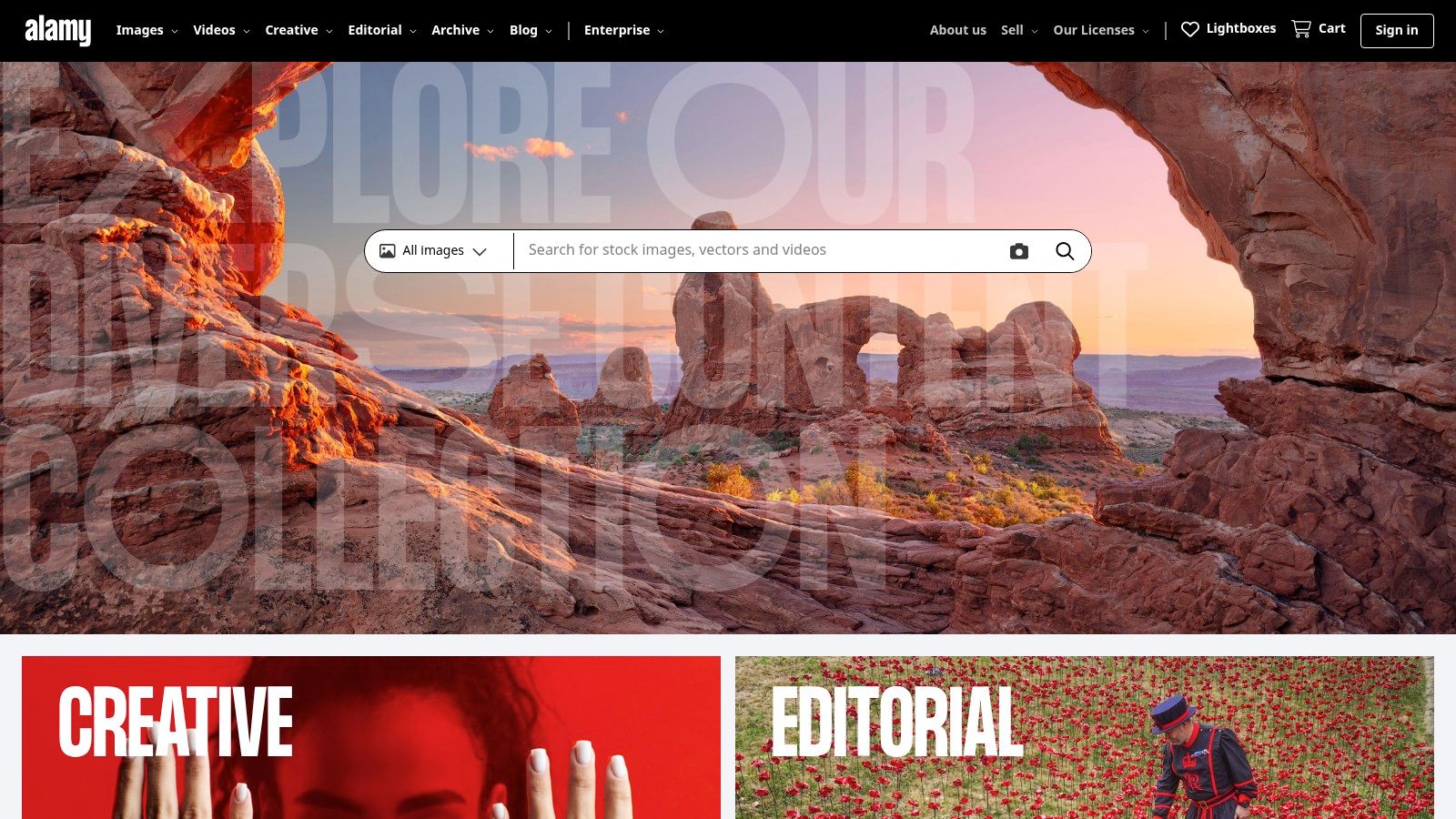
What makes Alamy unique is its use-based pricing model and pre-configured popular licences for common uses like websites, marketing, and presentations. This simplifies the often-complex process of securing the correct rights for a project. Instead of a one-size-fits-all subscription, you can purchase an image with a licence tailored specifically to its intended application, providing transparency and confidence for commercial projects that require stringent legal compliance.
Key Details & Use Case
- Best For: Marketers and businesses needing high-quality, specific editorial or commercial images with precise, use-based licensing for campaigns.
- Licensing: Offers both Royalty-Free (RF) and Rights-Managed (RM) images. Pricing is typically per-image and based on intended use.
- Pricing: Varies significantly based on licence type and usage. A standard royalty-free web image might start from around A$75, while RM licences are calculated based on factors like duration and placement.
- Pro Tip: Use the "Image Packs" for better value on royalty-free images if you need more than one. For RM images, be as specific as possible in the price calculator to get an accurate quote.
| Pros | Cons |
|---|---|
| Clear, use-based pricing for niche and editorial rights needs | Generally more expensive than typical microstock subscription sites |
| Strong curation and exceptional rights clarity for campaigns | RM licensing can be complex and costly for general-purpose use |
| Massive library with a good mix of creative and editorial content | The pay-per-image model can be less cost-effective for high volume |
| High-quality, often unique images not found on other platforms | Interface feels slightly less modern than some competitors |
Website: https://www.alamy.com
Top 12 Royalty-Free Image Sites Comparison
| Provider | Core offerings | Licensing & protections | Value (💰) | Best for (👥) | Standout (✨/🏆/★) |
|---|---|---|---|---|---|
| Shutterstock | Images, vectors, video, music, AI generator | Standard vs Enhanced; team & enterprise indemnity | 💰 Mid–High (subs & packs) | 👥 Agencies & enterprises | ✨ Massive library & clear tiers — ★★★★☆ |
| iStock (Getty) | Curated Essentials & Signature; credits/subs | Tiered quality/licence (Essentials vs Signature) | 💰 Mid (premium for Signature) | 👥 Brands seeking distinctive imagery | ✨ Getty curation & legal backing — ★★★★☆ |
| Adobe Stock | Images, vectors, templates, audio; CC integration | Clear licences; credit packs; in‑app CC licensing | 💰 Mid (best for CC users) | 👥 Creative Cloud users & designers | ✨ Seamless Photoshop/Illustrator workflow — ★★★★☆ |
| Envato Elements | Unlimited downloads: photos, templates, video, audio | Lifetime commercial licence per registered project | 💰 Excellent (unlimited subscription) | 👥 High‑volume creators & agencies | 🏆 Best value for volume & varied assets — ★★★★☆ |
| Canva | Design app + built‑in stock, templates, scheduler | Pro Content Licence on export; integrated free sources | 💰 Low–Mid (Pro subscription) | 👥 Small teams, marketers, non‑designers | ✨ End‑to‑end design + publishing — ★★★★☆ |
| Unsplash | High‑quality free photos; Unsplash+ premium | Permissive free licence; Unsplash+ adds protections | 💰 Free → Mid (Unsplash+) | 👥 Bloggers, socials, authentic photography | ✨ Authentic community curation — ★★★★☆ |
| Pexels | Free photos & videos, easy downloads | Permissive commercial licence; no attribution needed | 💰 Free | 👥 Social marketers & startups on a budget | ✨ Trend-focused free content — ★★★★☆ |
| Pixabay | Free photos, vectors, illustrations, video, music | Pixabay Licence for commercial use; some limits | 💰 Free | 👥 General websites & varied media needs | ✨ Broad media types beyond photos — ★★★☆☆ |
| Depositphotos | Images, vectors, video; AI tools | Standard vs Extended Business licences; rollover | 💰 Mid (packs & subs) | 👥 Businesses needing flexible purchasing | ✨ Flexible buying + clear rollover rules — ★★★★☆ |
| 123RF | Photos, vectors, footage, audio; PLUS/credits | PLUS unlimited vs Credits; team/enterprise tiers | 💰 Low–Mid (competitive entry pricing) | 👥 Budget teams & quick edits | ✨ Affordable plans + simple AI tools — ★★★☆☆ |
| Dreamstime | Images, vectors, video; subs & credit packs | RF lifetime licence; “Zero Gravity” budget plan | 💰 Low (very cheap at scale) | 👥 High‑volume, budget buyers | ✨ Very low per‑image cost at scale — ★★★☆☆ |
| Alamy | High‑quality editorial & commercial RF & RM | RF & RM with use‑based pricing & calculators | 💰 High (premium/rights‑managed) | 👥 Publishers & campaigns needing rights clarity | 🏆 Strong rights clarity & editorial curation — ★★★★★ |
Choosing Your Perfect Visual Partner
Navigating the world of stock imagery can feel overwhelming, but as we've explored, you have an incredible array of powerful resources at your fingertips. From the sheer volume of premium content on Shutterstock and Adobe Stock to the authentic, community-driven spirit of Unsplash and Pexels, the perfect visual asset is rarely more than a few clicks away. We've analysed the licensing nuances, highlighted the strengths of subscription services like Envato Elements for multi-faceted creators, and celebrated the user-friendly design power of Canva.
The key takeaway is that there is no single "best" platform for everyone. The right choice is a strategic decision that aligns with your brand's unique needs, budget, and workflow. Your search for the best websites to find royalty-free images for your website & social media should always begin with a clear understanding of your own requirements.
A Practical Framework for Your Decision
Making a confident choice comes down to asking the right questions. Before you commit to a subscription or download your next batch of images, run through this final checklist:
- What's my budget? If you have zero budget, platforms like Unsplash, Pexels, and Pixabay are your go-to resources. If you can invest even a small amount, services like Depositphotos or a flexible pack from 123RF offer a significant step up in commercial usability and legal peace of mind. For established businesses, a full subscription is a sound investment.
- What's my primary use case? Are you sourcing hero images for a new website build, or do you need a constant stream of visuals for daily social media posts? For core website and branding assets, a paid service with strong legal indemnification (like Shutterstock or iStock) is highly recommended. For high-volume social content, a combination of Canva's library and free sites is often a practical and cost-effective strategy.
- What type of assets do I need most? If your needs extend beyond photography to include video, music, graphics, and templates, an all-in-one subscription like Envato Elements provides unparalleled value. If you're solely focused on high-quality, artistic photography, Unsplash might be all you need.
- How important is legal protection? For any commercial project, especially those central to your business, using images from a reputable paid source is the safest path. The model and property releases, along with the legal guarantees offered by these platforms, protect your brand from future complications. While free sites are incredible, the legal framework is inherently looser.
The Hybrid Approach: Your Visual Strategy Sweet Spot
For most Australian small businesses, startups, and marketing managers, the most effective strategy isn't about choosing just one platform. It's about building a versatile and tiered visual toolkit.
Think of it this way: use a premium, paid service like Adobe Stock or iStock for your foundational brand assets. These are the critical, high-visibility images on your homepage, landing pages, and in your major advertising campaigns. Then, supplement this with a steady flow of content from Unsplash for your blog posts and Canva for creating quick, engaging social media graphics. This hybrid model gives you premium quality where it matters most, while maintaining agility and cost-efficiency for your day-to-day marketing efforts.
Ultimately, the right image does more than just fill a space. It communicates your brand's values, connects with your audience on an emotional level, and builds trust. By thoughtfully selecting your sources and understanding their terms, you empower your brand to tell its story compellingly, professionally, and legally across every digital channel.
Feeling inspired but need a hand bringing your brand’s visual story to life on a new website? At Digital Roo's, we design and build stunning, high-performance websites for Australian businesses, integrating compelling visuals as a cornerstone of our strategy. Let us help you turn great images into a website that gets results. Learn more about our web design services.

